Editor sections
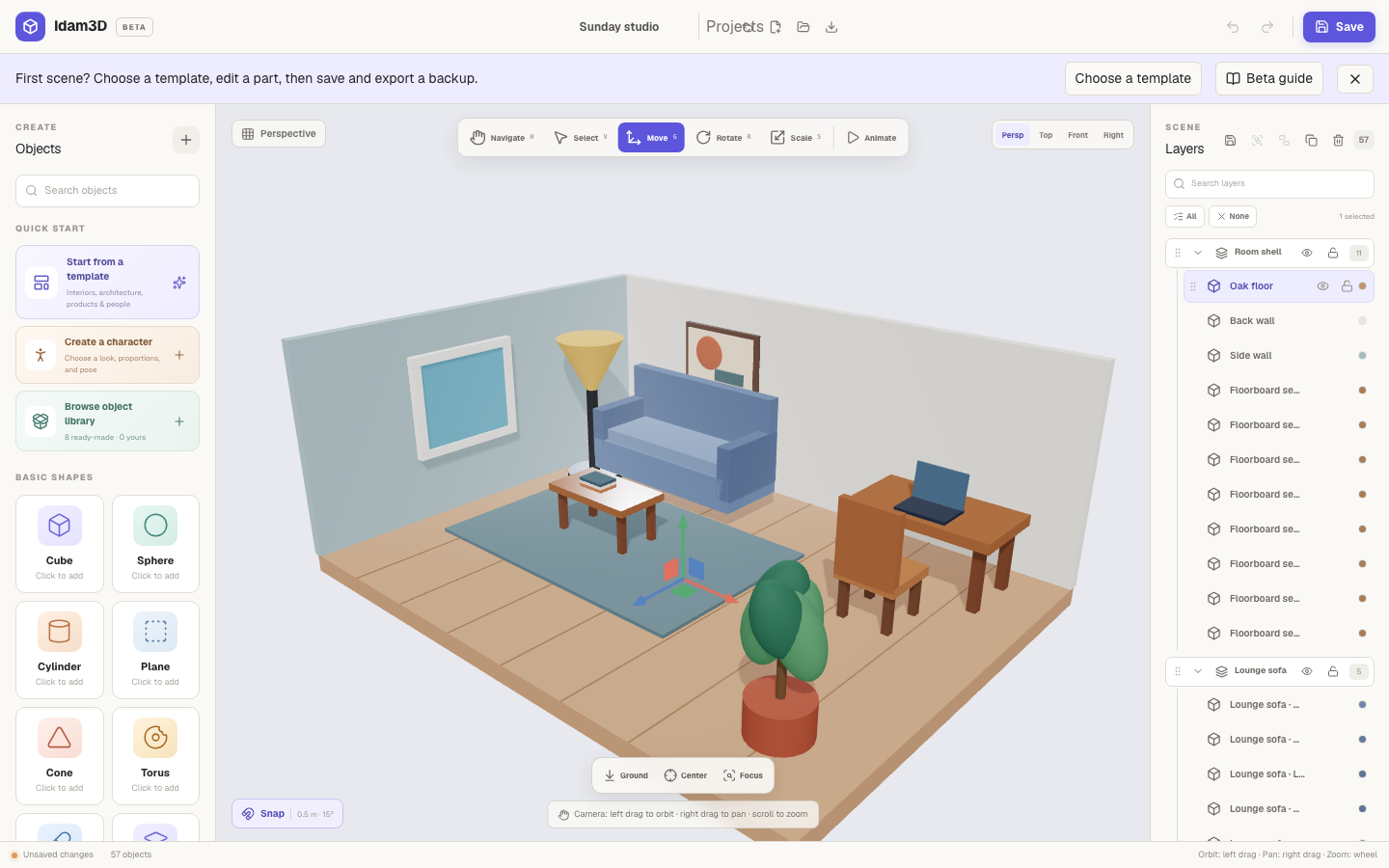
The editor is divided into four working areas: Create, Viewport, Layers, and Inspector. The Project bar runs across the workspace.
Project bar
Section titled “Project bar”- Project name renames the current local project.
- Local projects switches between projects stored in this browser.
- New scene starts blank; Open scene loads an editable backup.
- Recover opens recent saved versions.
- Export packages an editable scene, static GLB, or PNG.
- Undo and Redo reverse supported scene changes.
Create panel
Section titled “Create panel”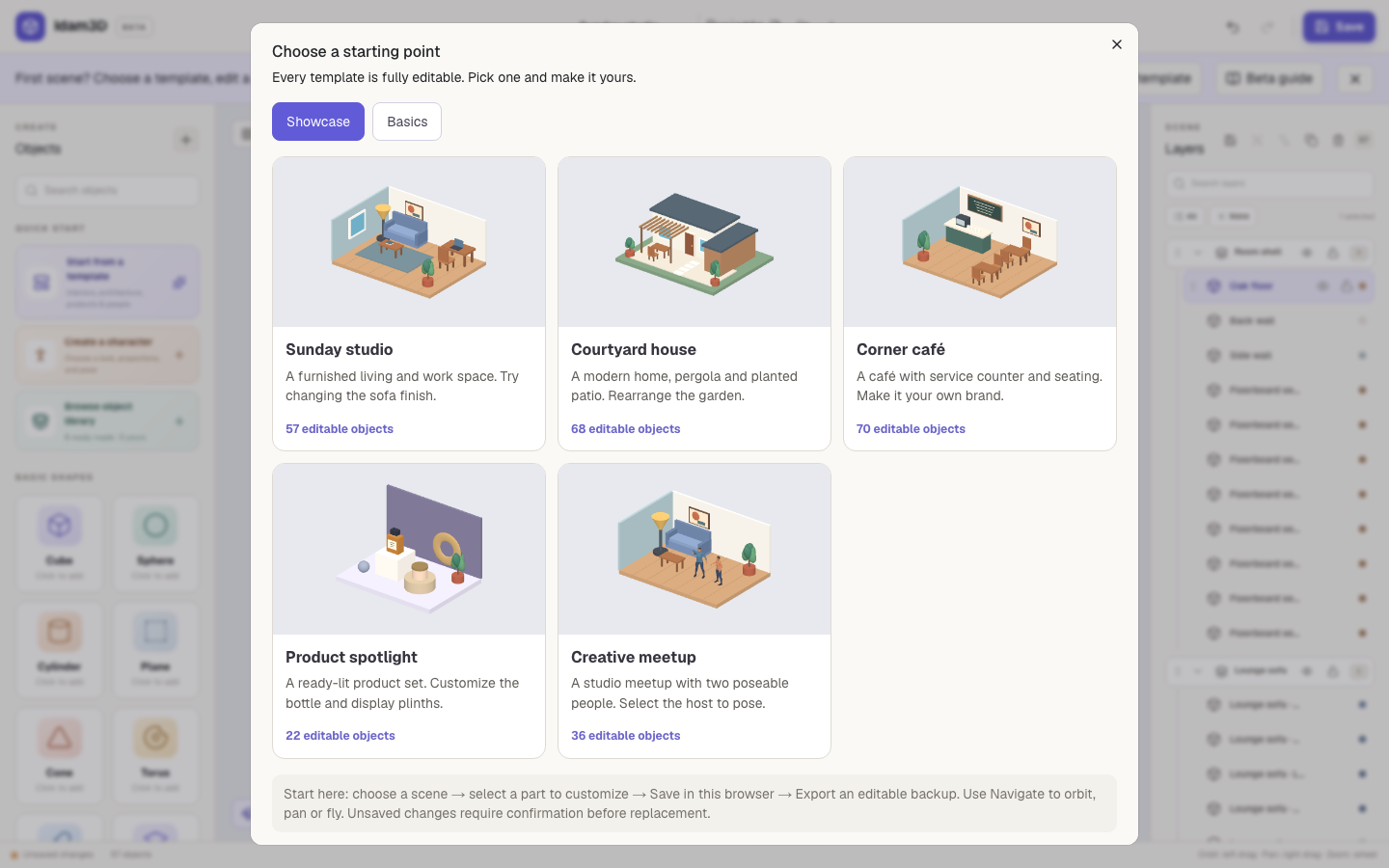
Quick add inserts a basic shape without leaving the workspace. Shapes include box, sphere, cylinder, cone, plane, torus, and capsule.
Templates open complete editable starting scenes. Character builder creates Smooth human or Classic stylized characters. Object Library provides editable architecture and furniture. Component Library provides linked reusable parts.
Viewport
Section titled “Viewport”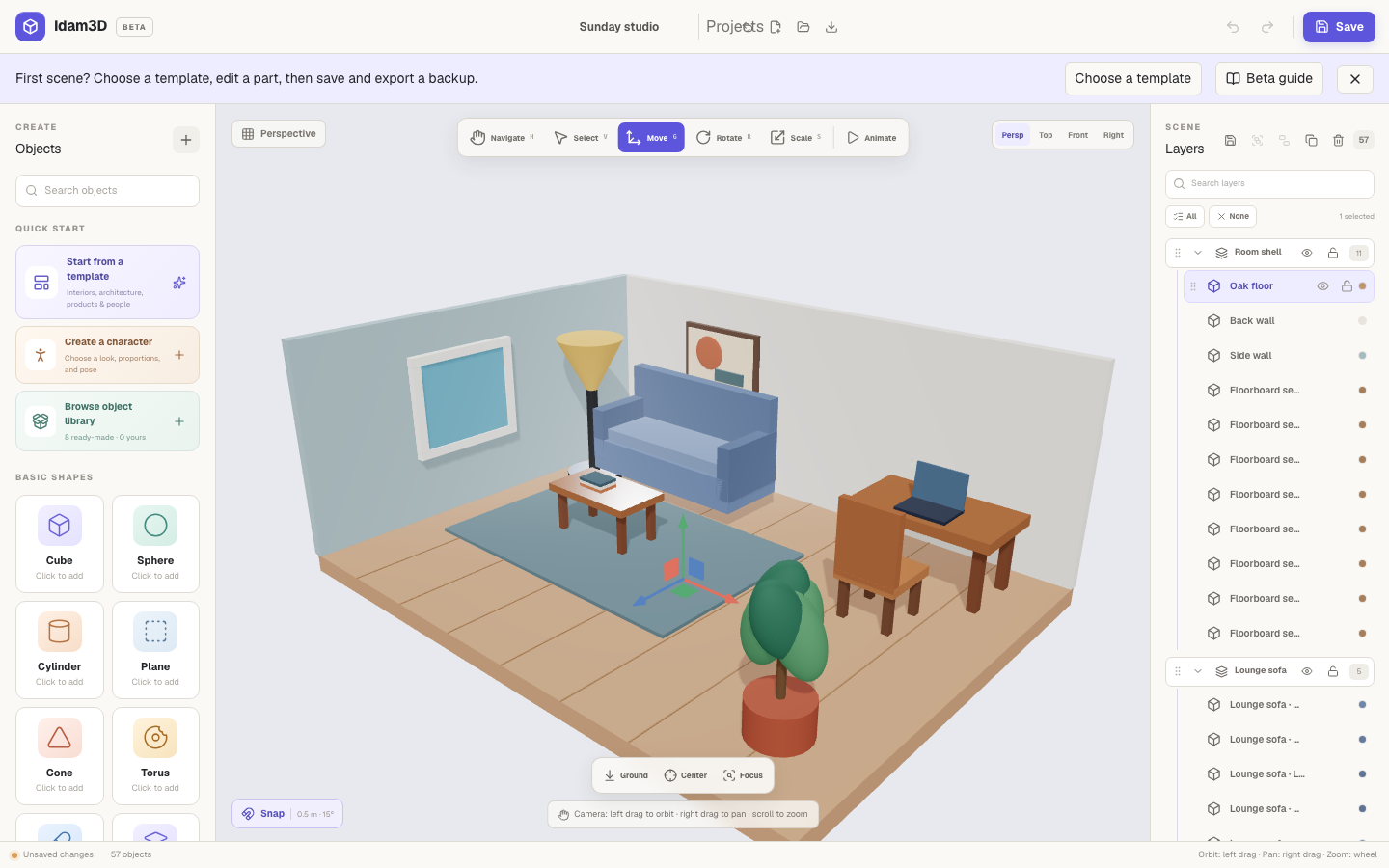
Navigate uses left drag to orbit, right drag to pan, and scroll to zoom. Fly uses W A S D to move, drag to look, R/F vertically, and Esc to exit.
Move, Rotate, and Scale transform the selection. Snap toggles 0.5 m translation and 15° rotation increments.
Camera presets are Perspective, Top, Front, Right, Hero, 3/4, and Detail. Ground places a selection on the floor, Center centers it, and Focus frames it. Align requires multiple objects; Space requires three or more.
Layers panel
Section titled “Layers panel”Search by object name. Select one item or Shift-click for multiple selection. Use eye controls to hide/show and lock controls to prevent editing. Expand, collapse, reorder, group, ungroup, duplicate, delete, select all, and deselect all.
Inspector
Section titled “Inspector”
The Object tab renames the selected object and exposes transform, geometry, surface, texture, and appearance controls. The Scene tab controls lighting, brightness, background, grid, shadows, render quality, environments, reflections, camera focal length, and review modes.
Persistence
Section titled “Persistence”Project names, local projects, autosave, recovery, undo, redo, animation, and interactions keep supported state in this browser. Use an editable scene export as your durable backup.
Animation and characters
Section titled “Animation and characters”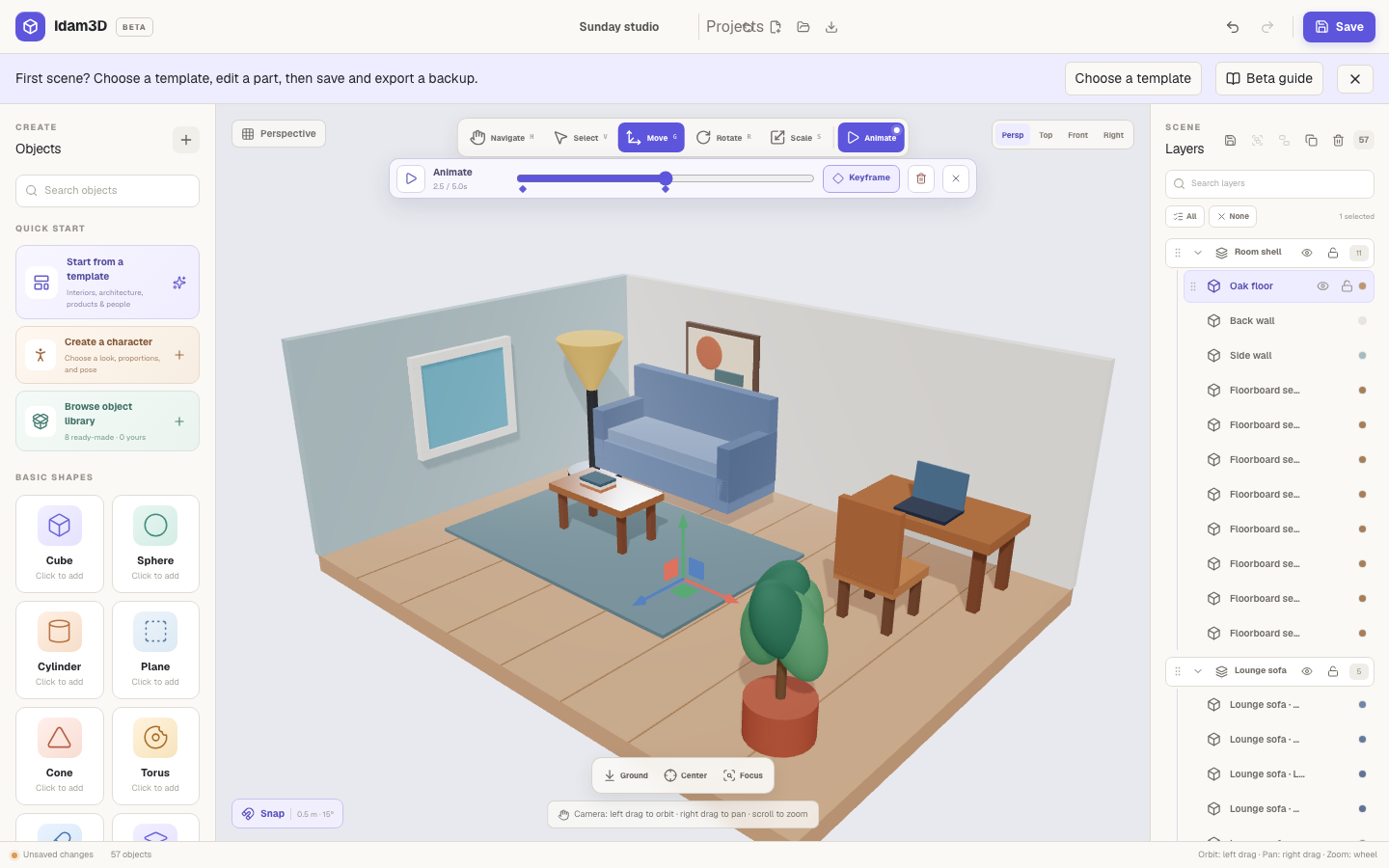
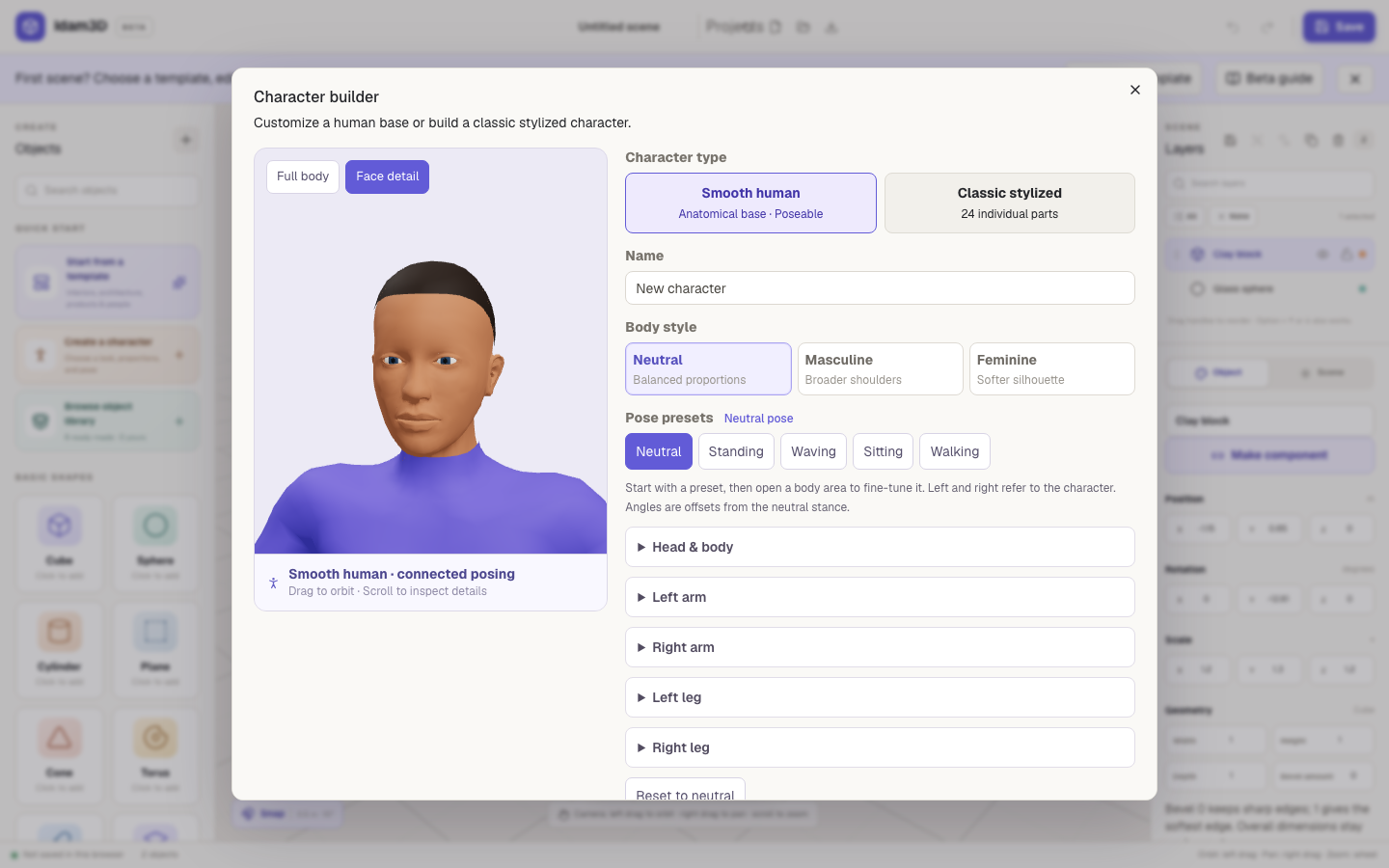
The animation timeline controls playback, duration, looping, easing, keyframes, and removal. The character builder controls character type, proportions, pose, hair, and colors. See the complete reference for the behavior and limits of each control.